No account, no download
Open an app and start. You get a guest profile with a name and avatar you can change any time.
Six creation apps you can open right now — no account, no download. Make a game, a micro-course, a role-play or a visual in minutes.
For teachers, trainers and teams who want to try before they talk to us. Guest work is saved in your own browser.
Every app opens with ready-made samples, so there is something to play with from the first click.
 ✨Guest access
Your dashboard: a guest profile, all the apps below, IntelliNotebook and the Demo Arcade, plus your recent projects and shared assets in one place.
Open the studio → 🎮Guest access
Turn a topic or your own notes into quiz and arcade games — racers, memory match, trivia boards and more. Play, edit, share or export.
Try as guest → 🏆Guest access
Journeys on an illustrated map, quick duels, badges, a prize shop and leaderboards that give learners a reason to come back.
Try as guest → 📚Guest access
Paste notes or upload a file and get a short, narrated micro-course with checks, themes and a certificate. Export as HTML or SCORM.
Try as guest → 🎙️Guest access
Practice a real conversation — a parent meeting, a customer, a café in Spanish — with lifelike characters and kind, instant feedback.
Try as guest →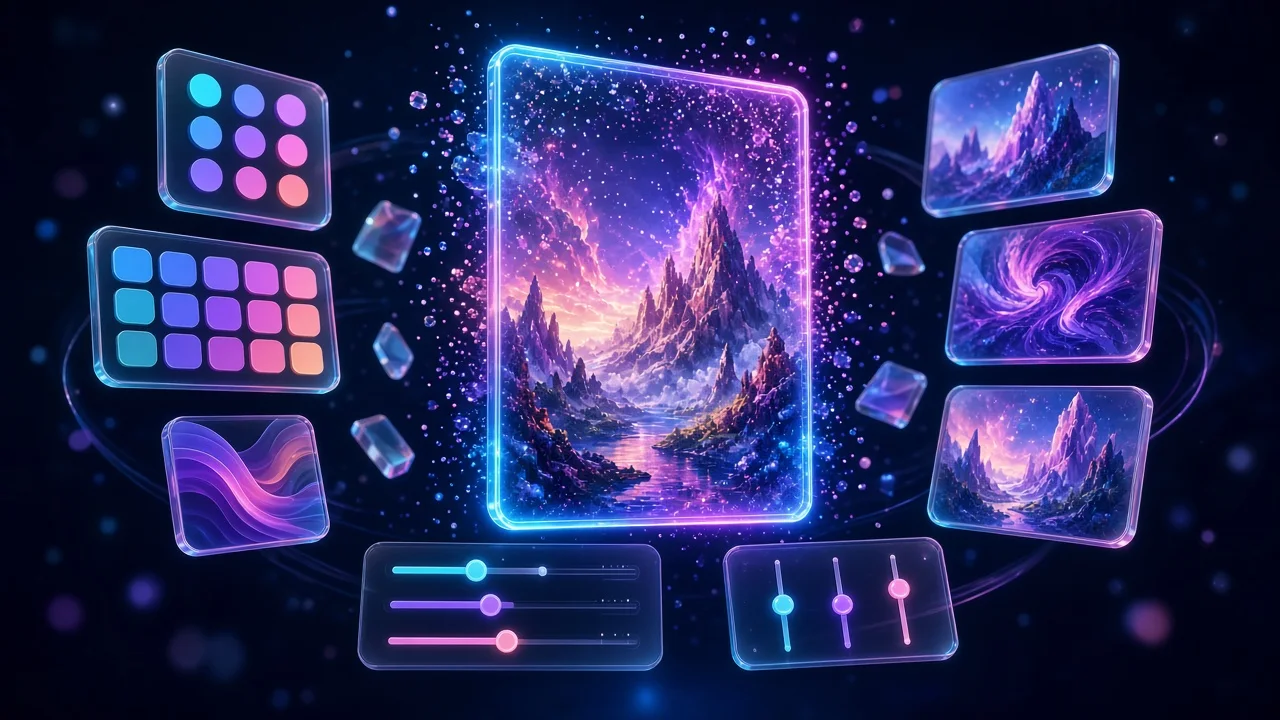 🎨Guest access
Click through eight quick choices with a live preview, then let AI create your course cover, mascot, icon set or slide background.
Try as guest →AI note: in this preview the apps run on built-in AI samples and local builders. When live AI is switched on, they generate brand-new content with Gemini through Firebase AI Logic.
Open an app and start. You get a guest profile with a name and avatar you can change any time.
Games, courses, journeys and visuals are saved on this device. Nothing is sent to a server in guest mode.
Each app is preloaded with examples for kids, teens and adults, in English and Spanish where it makes sense.
Export games and micro-courses as a single HTML file or a SCORM 1.2 package, and download visuals as images.
Topic or notes in, playable quiz and arcade games out.
Journeys, duels, badges, prizes and leaderboards around your games.
Short narrated lessons with checks and a certificate, built from your material.
Role-play a hard conversation and get feedback you can act on.
A click-through visual configurator with a live preview and an AI final render.
The home for all of it: profile, projects, shared assets, IntelliNotebook and the demos.
No. Guest access is the point of this preview. Your work is saved in your browser; clearing site data removes it.
The apps are wired to Gemini through Firebase AI Logic. In this preview they use built-in AI samples and local builders, so everything works even before live AI is switched on.
Yes — that is what Smart App Development does. We can adapt an app to your content, brand and platform. Tell us through the contact form.
No. Leaderboards use clearly labelled sample players, and we do not put invented statistics or client logos on these pages.
Use the contact form on the home page. Write a few lines about your learners and what you would like these apps to do for them.
Building the future of learning. Tell us what you need — we will follow up from the contact form.
contact